New feature in AstroPaper v1.4.0, introducing dynamic OG image generation for blog posts.
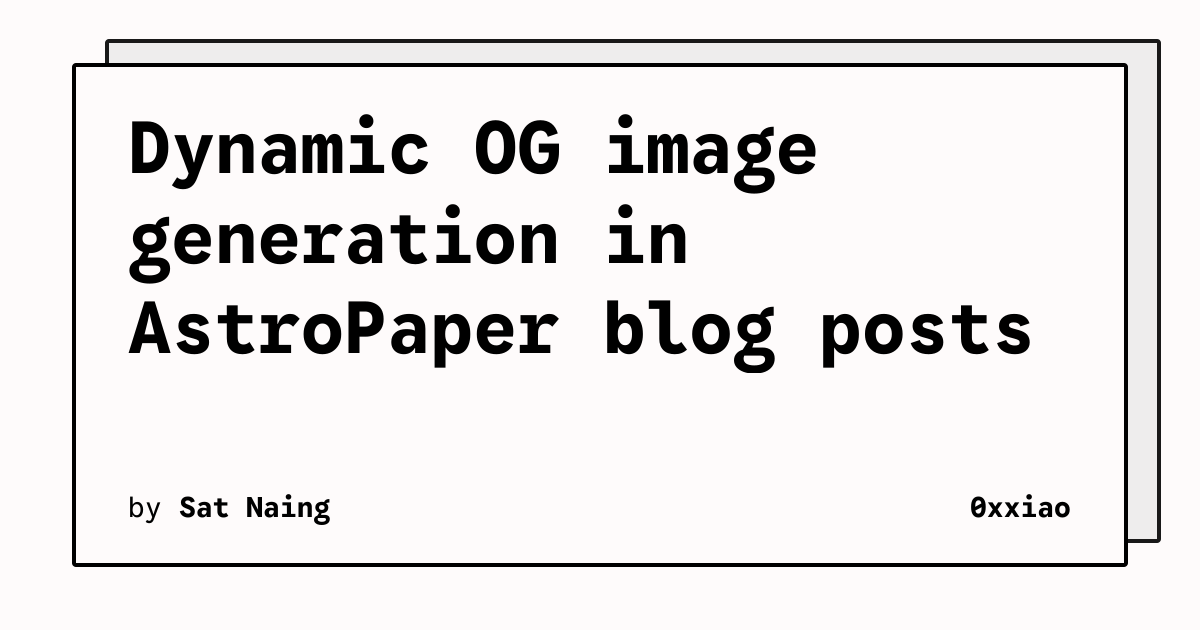
Table of contents
Open Table of contents
Intro
OG images (aka Social Images) play an important role in social media engagements. In case you don’t know what OG image means, it is an image displayed whenever we share our website URL on social media such as Facebook, Discord etc.
The Social Image used for Twitter is technically not called OG image. However, in this post, I’ll be using the term OG image for all types of Social Images.
Default/Static OG image (the old way)
AstroPaper already provided a way to add an OG image to a blog post. The author can specify the OG image in the frontmatter ogImage. Even when the author doesn’t define the OG image in the frontmatter, the default OG image will be used as a fallback (in this case public/default-og.jpg). But the problem is that the default OG image is static, which means every blog post that does not include an OG image in the frontmatter will always use the same default OG image despite each post title/content being different from others.
Dynamic OG Image
Generating a dynamic OG image for each post allows the author to avoid specifying an OG image for every single blog post. Besides, this will prevent the fallback OG image from being identical to all blog posts.
In AstroPaper v1.4.0, Vercel’s Satori package is used for dynamic OG image generation.
In AstroPaper v6+, the same idea remains (Satori renders SVG, then PNG is produced via Sharp), but fonts are sourced from Astro’s Fonts configuration and loaded via experimental_getFontFileURL() so OG generation can reuse the same font pipeline as the site.
Dynamic OG images will be generated at build time for blog posts that:
- don’t include OG image in the frontmatter
- are not marked as draft.
Anatomy of AstroPaper dynamic OG image
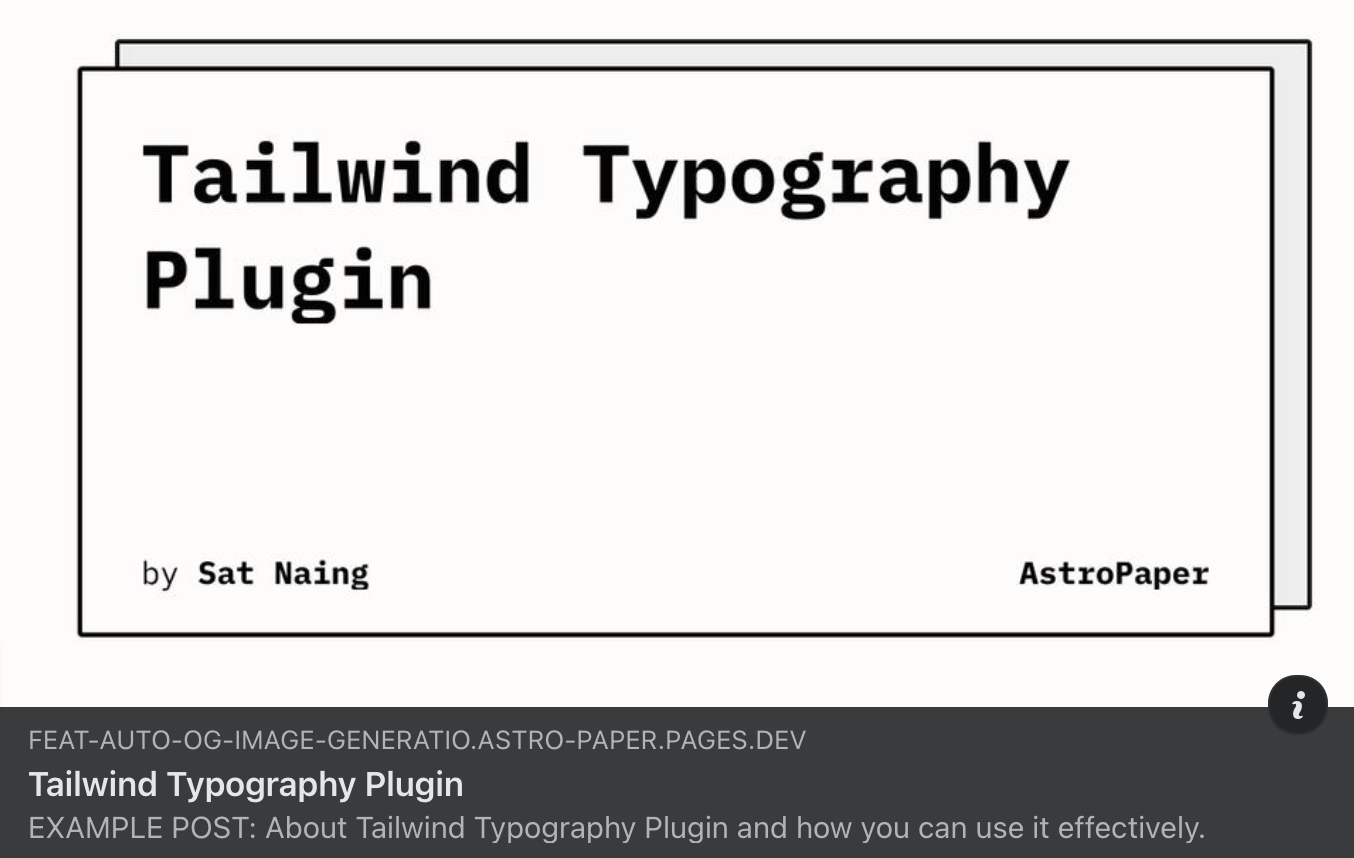
Dynamic OG images include the blog post title, author name, and site title. Author name and site title are retrieved from site.author and site.title in astro-paper.config.ts. The title is generated from the blog post frontmatter title.
Issue with Non-Latin Characters
Titles with non-latin characters won’t display properly out of the box. In AstroPaper v6, dynamic OG images load font files from Astro’s Fonts configuration (astro.config.ts) and register them with Satori.
To fix missing glyphs, switch the Google font family to one that covers your writing system, and make sure you include both 400 and 700 weights (Satori uses separate buffers for regular + bold).
import { defineConfig, fontProviders } from "astro/config";

export default defineConfig({
  fonts: [
    {
      // Example: Japanese coverage (pick what you need for your audience)
      name: "Noto Sans JP",
      cssVariable: "--font-google-sans-code",
      provider: fontProviders.google(),
      fallbacks: ["monospace"],
      weights: [400, 700],
      styles: ["normal", "italic"],
      formats: ["woff", "ttf"],
    },
  ],
});astro.config.ts
If you change cssVariable, also update the matching key in:
src/pages/og.png.tssrc/pages/posts/[...slug]/index.png.ts
Check out this PR for more info.
Trade-off
While this is a nice feature to have, there’s still a trade-off: AstroPaper generates one PNG per eligible post at build time (when og image is not specified in the frontmatter), so total build time grows with content volume.
In AstroPaper v6, OG image generation is significantly faster (PR #632) than earlier implementations, so the per-image overhead is much lower in practice. If you still want to minimize build time on very large sites, you can disable it by setting features.dynamicOgImage: false in astro-paper.config.ts (and provide per-post ogImage files instead).
Limitations
At the time of writing this, Satori is fairly new and has not reached major release yet. So, there are still some limitations to this dynamic OG image feature.
- RTL languages are not supported yet.
- Using emoji in the title might be a little bit tricky.